Next · AI Marketer
Ask what to do next
Bring the visibility gap, competitor evidence, and cited sources into one conversation. Leave with a brief, draft, report, or action.
Meet AI MarketerProduct tour
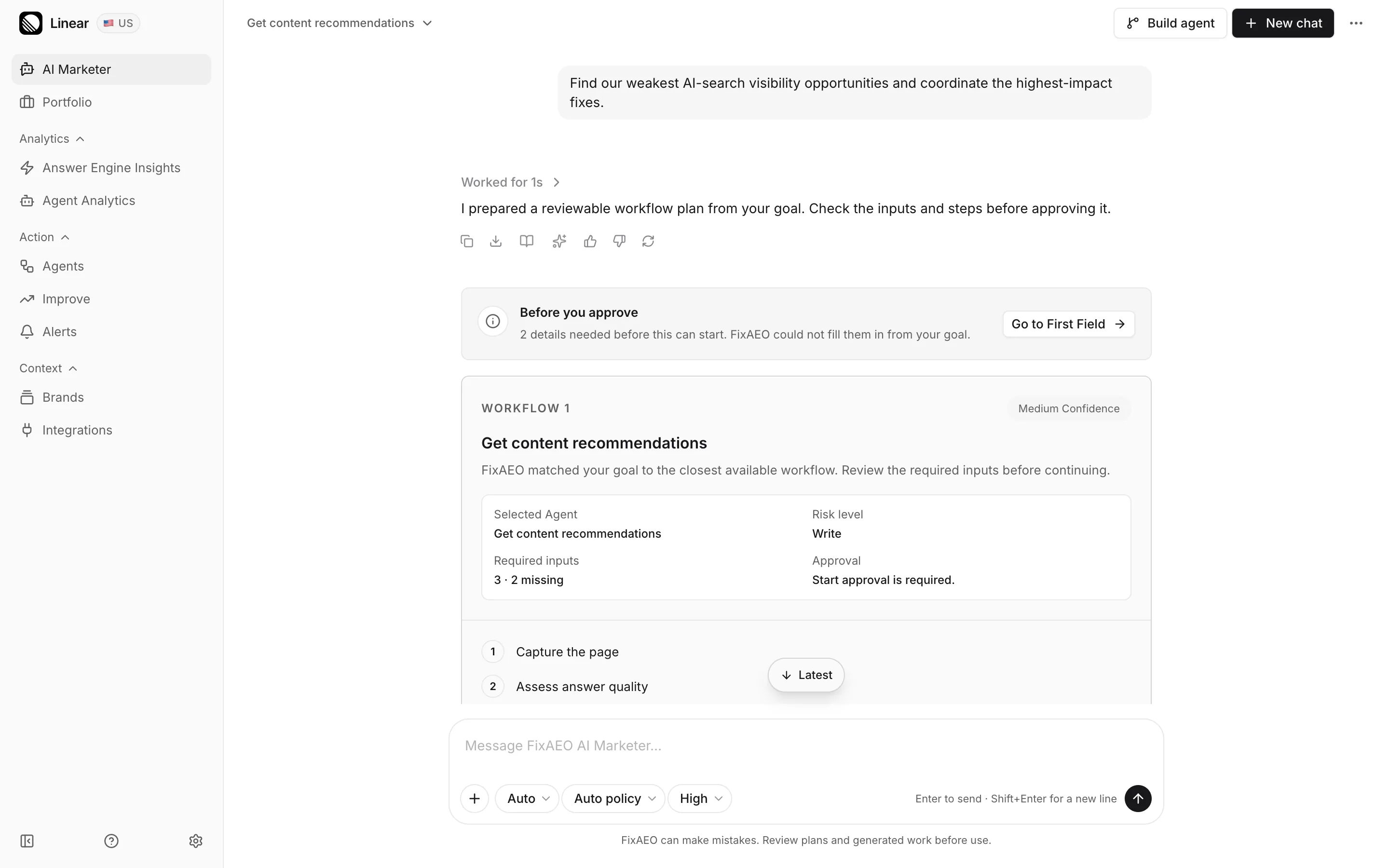
The whole loop, in the actual product — eleven screens, about three minutes.Swipe, or tap the arrows in the caption bar.Click the screen to advance, or use your arrow keys.
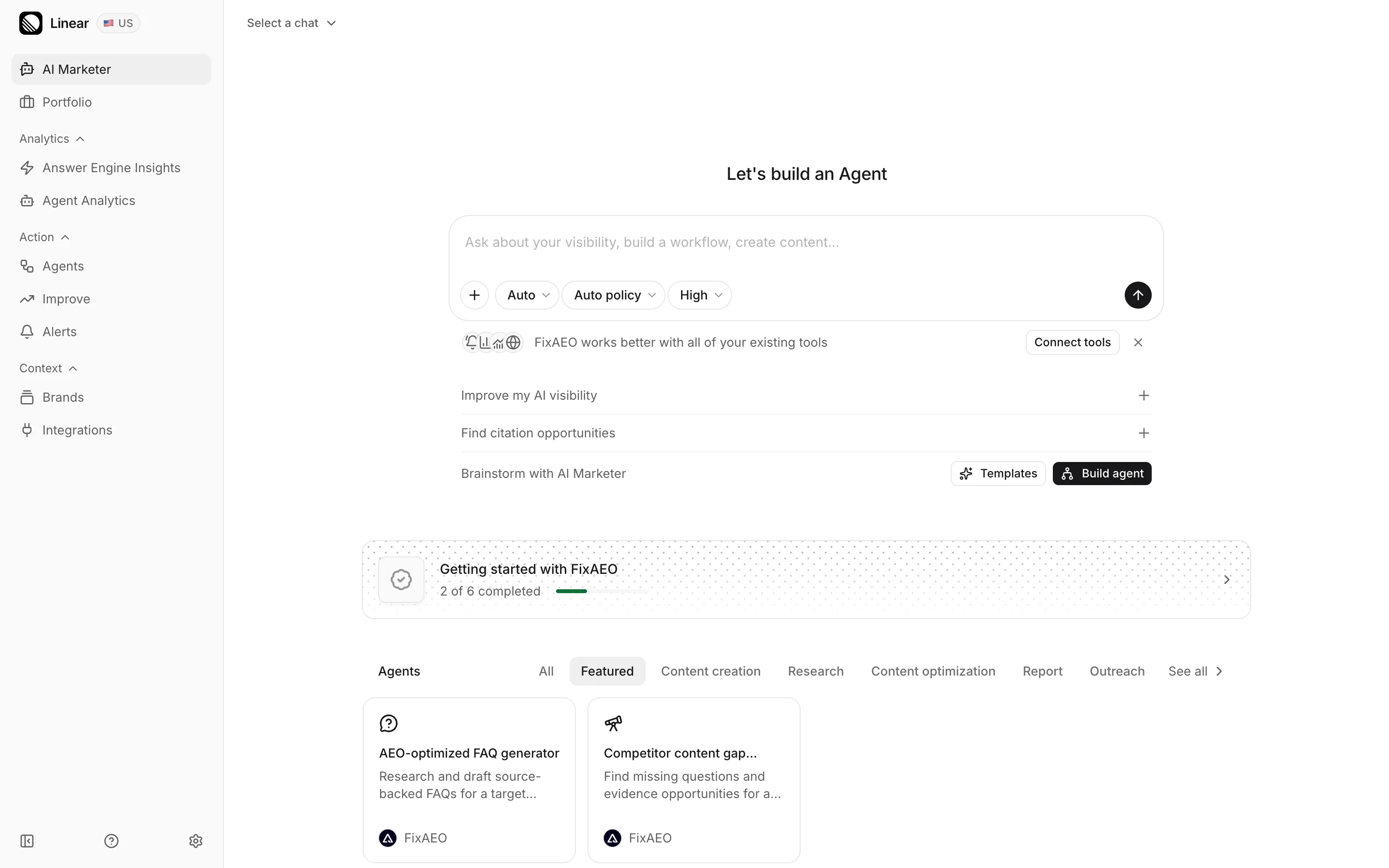
A three-minute walk through the real product on a demo account. No signup needed.
Tell it what you want, in your own words
Where you stand in AI answers, and why
Turn the gap into work that repeats
About the screens in the tour: they are real screens from the product, captured September 2026 against a demo account whose brand, competitors and history are seeded for the demo. Every figure you see belongs to that demo brand, not to a real customer. Your own numbers will differ.
Next · AI Marketer
Bring the visibility gap, competitor evidence, and cited sources into one conversation. Leave with a brief, draft, report, or action.
Meet AI MarketerThen · Agents
Start from one of 17 templates or build your own Agent. Keep the steps visible, review important outputs, and run the process again.
Explore AgentsAI Marketer, Agents, and ongoing tracking across engines, competitors, citations and crawlers are on the paid plans.